
SSO for Joget
Overview
Akku, developed by CloudNow Technologies, is a robust Identity & Access Management (IAM) solution designed to streamline user provisioning, access management, and activity monitoring throughout the user lifecycle. It offers administrators the tools to efficiently manage user privileges and ensure data security in cloud environments. With Akku, organizations can confidently embrace cloud technology while maintaining compliance with standards and regulations. Its comprehensive features enable seamless onboarding, secure authentication, a single point-of-access to all applications, enforcement of access policies, and monitoring of user activity to detect and respond to security threats effectively while enhancing the user experience significantly. By prioritizing data security, privacy, and compliance, Akku provides users with peace of mind while improving overall productivity. With its flexible and scalable architecture, Akku is well-equipped to meet the evolving needs of modern organizations in managing their identity and access requirements.
Introduction
Joget OpenID Connect SSO with Akku provides a secure and reliable method for authenticating users via the OpenID Connect (OIDC) protocol. OpenID Connect (OIDC) is a simple identity layer on top of the OAuth 2.0 protocol, allowing clients to verify the identity of users based on authentication performed by an Identity Provider (IDP). In this case, Akku will serve as the IDP, and Joget will be configured as the Service Provider (SP).
To set it up, you'll need a Joget account, an Akku account, and the OpenID Connect Integration feature enabled in both Joget and Akku. First, you will configure your Akku instance by adding Joget as an OpenID client, specifying the necessary client details. Then, configure Joget to authenticate against the OpenID Connect protocol using the metadata from Akku.
Configure Akku and Joget for SSO
The steps below guide you through configuring Joget to use OpenID Connect for authentication via Akku
Log in to Joget
Log in to Joget as an administrator at the following URL:
https://<your organization>.on.joget.cloud/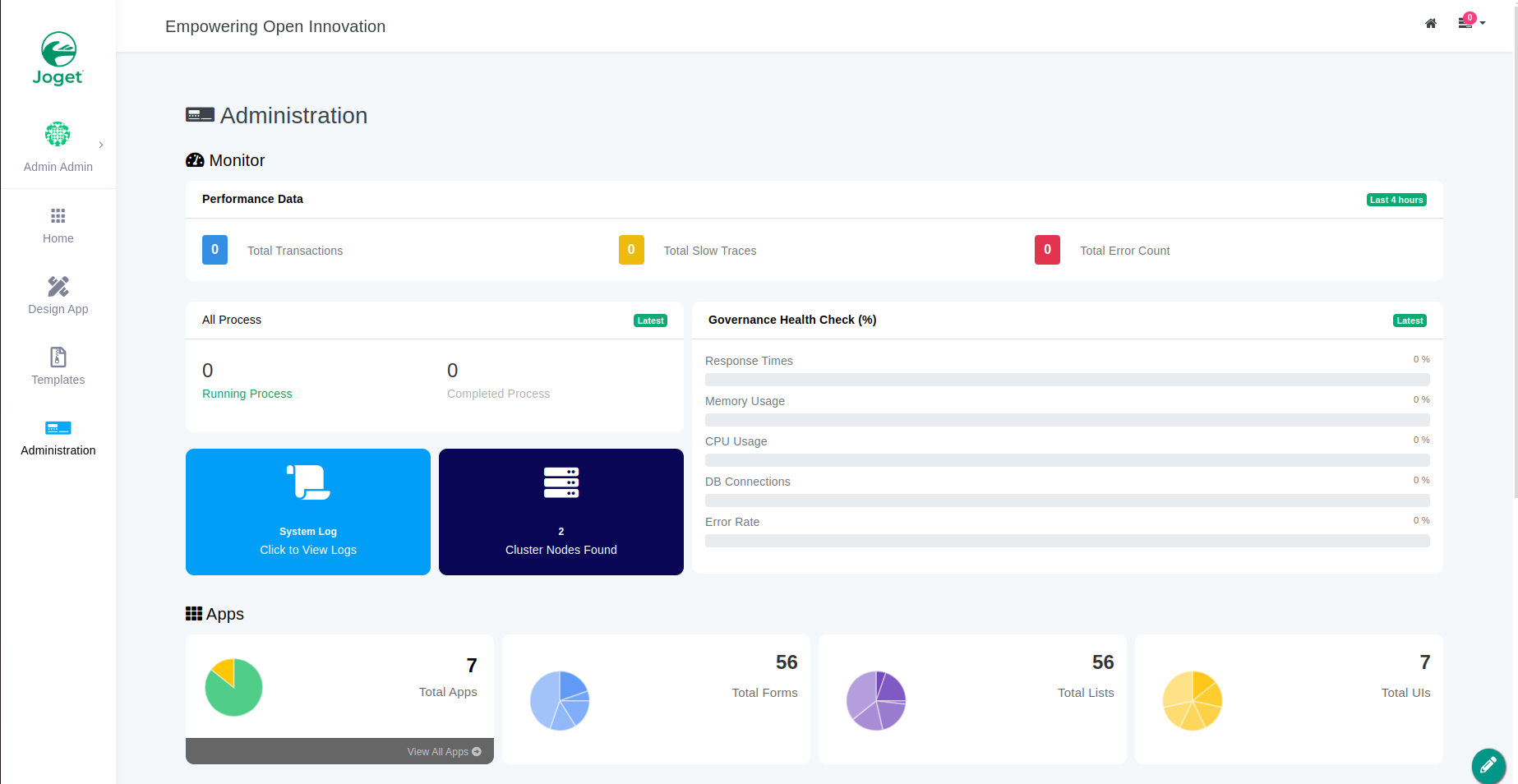
Navigate to Settings
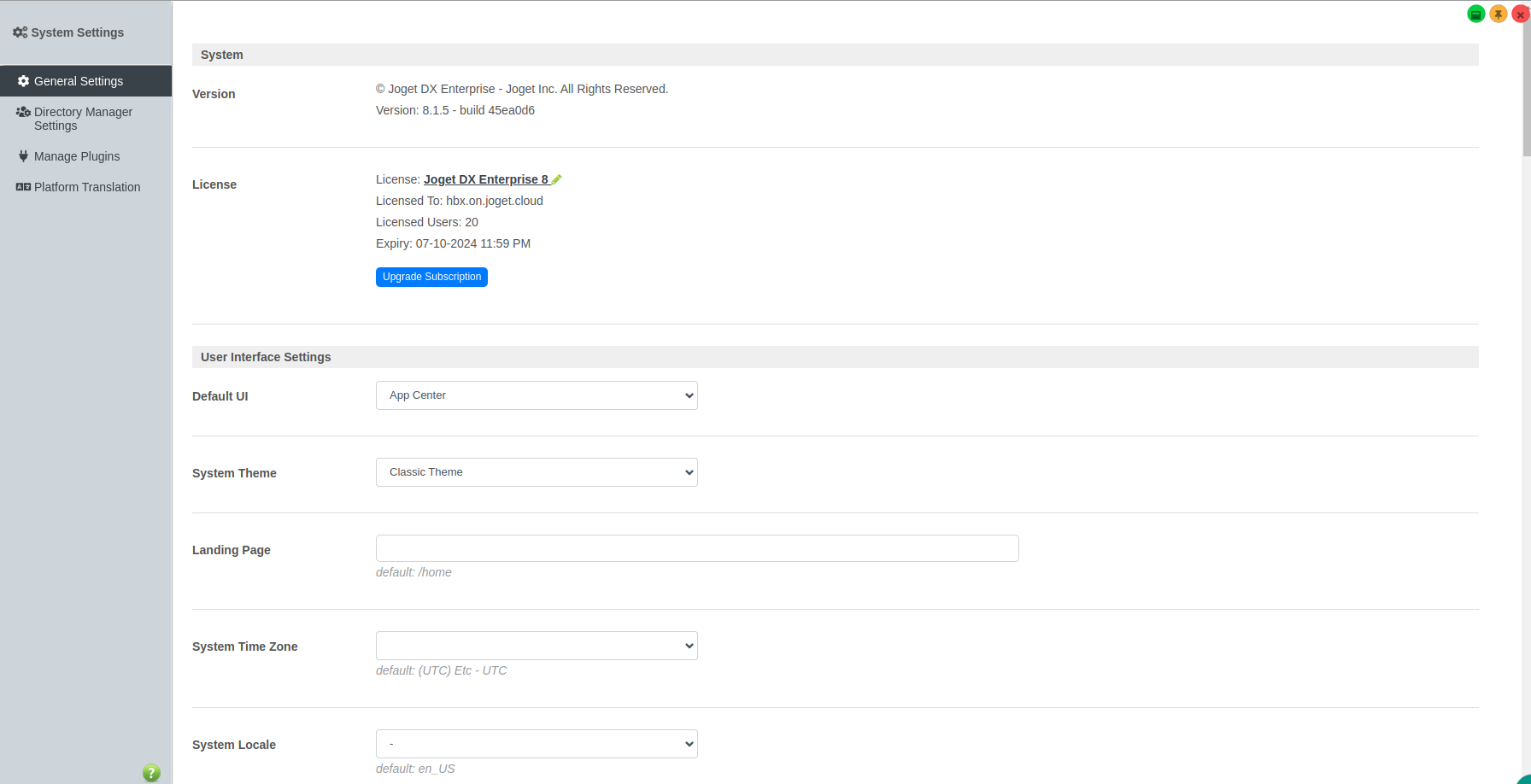
Navigate into Administration tab and scroll down and click 'settings'.
Download OpenID Connect Plugin
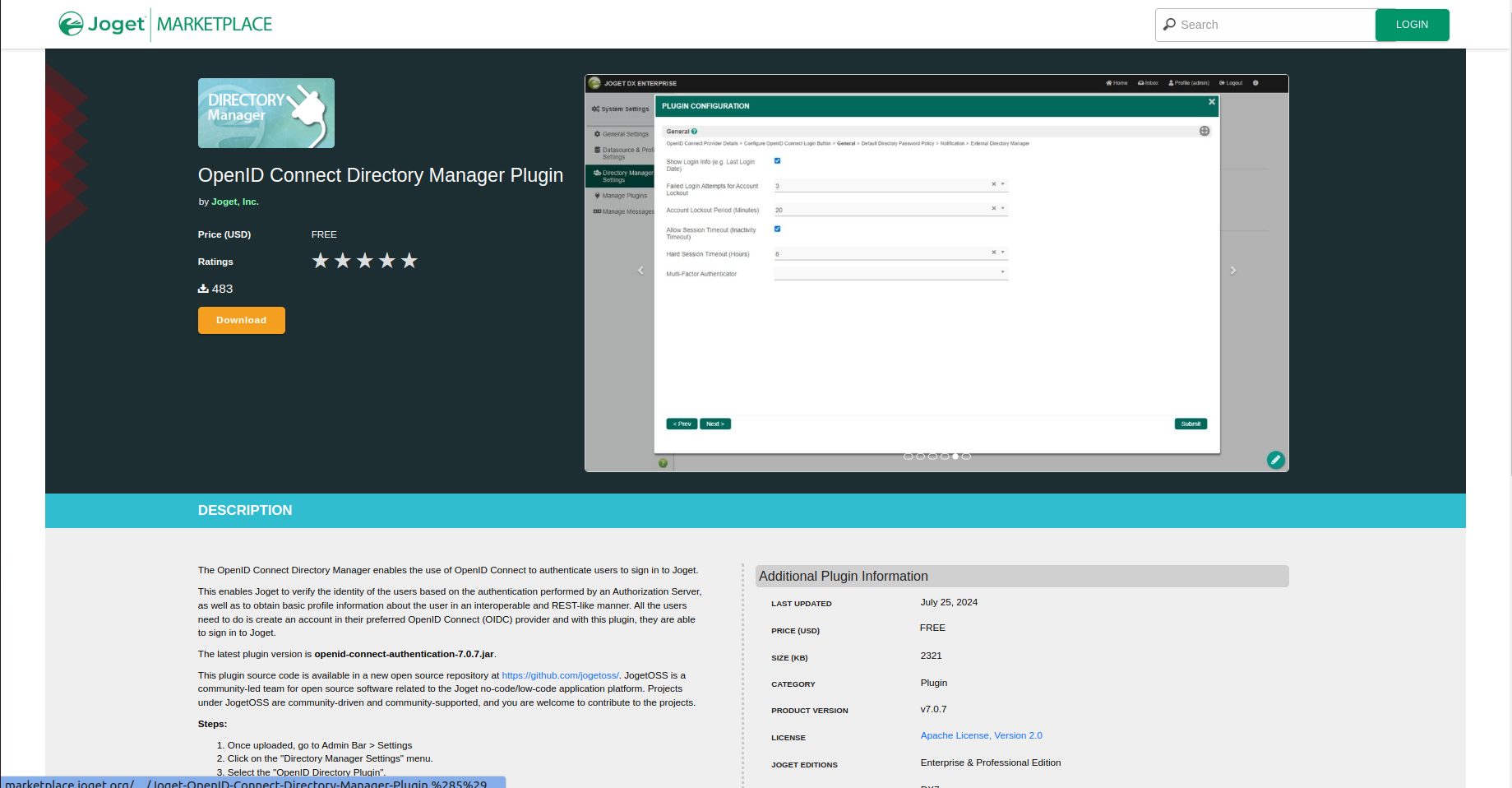
To configure Joget SSO via OpenID, download the "OpenID Connect Directory Manager Plugin" from the Joget marketplace.
Upload Plugin and Copy Callback URL
In the Manage Plugin tab, upload the OpenID Connect plugin. Then, navigate to Directory Manager Settings, select the plugin as "OpenID Connect Directory Manager," and copy the "Callback URL."
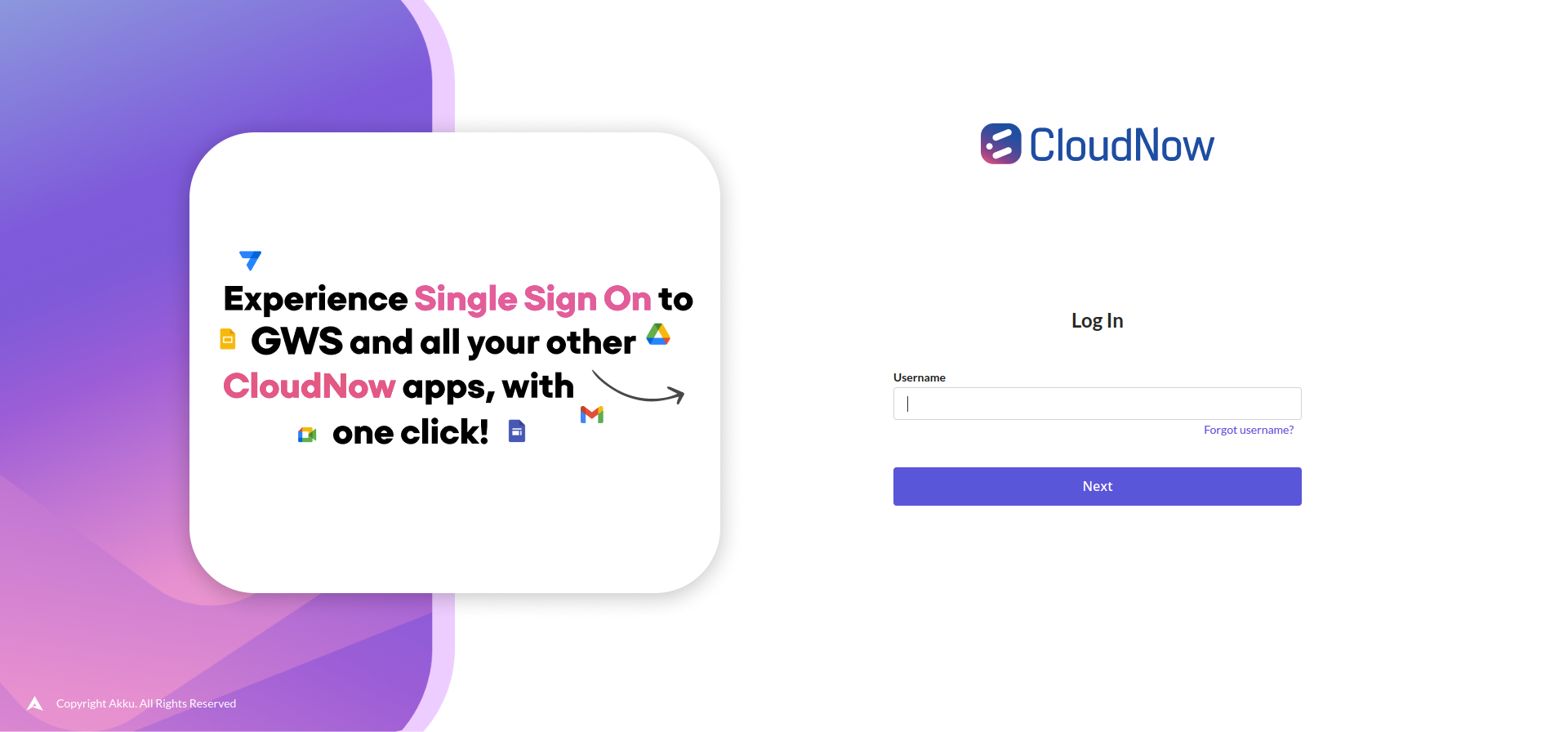
Log in to Akku Administration Console
Now, log in to Akku's Administration console with your tenant URL.
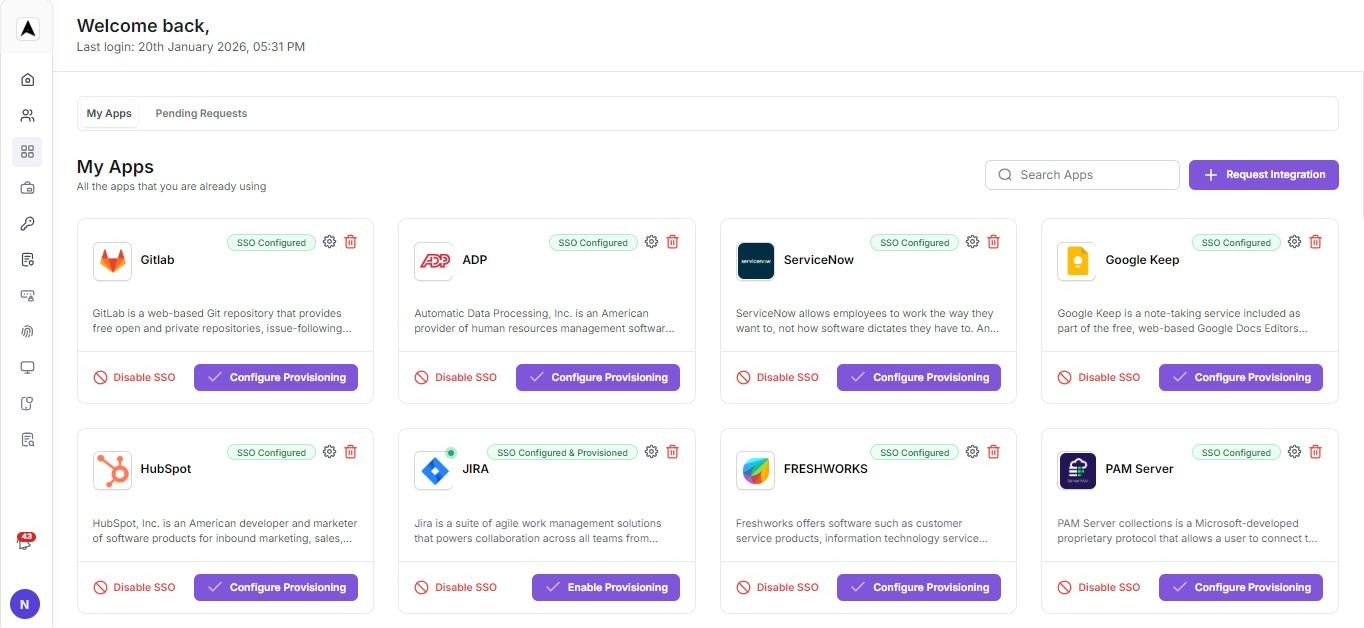
Navigate to App Management
Navigate to App Management and search for Joget.
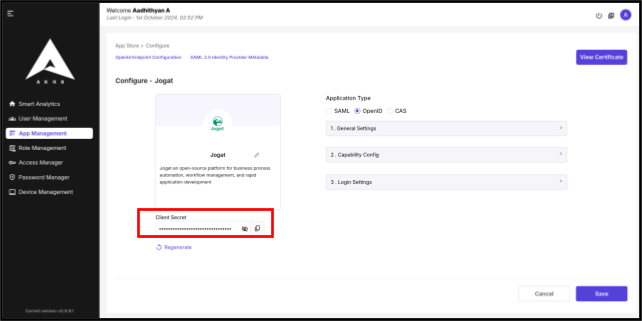
Configure Joget App in Akku
Click 'Configure' on the Joget app and set it up using the Joget "Callback URL" and save the configuration:
Application Type: OpenID

Client Id: <Unique name> (This should be configure same in Joget client id)

Client Authentication: on

Authorization: on

Authorization flow: Standard Flow, Direct Access grants

Root URL: https://<your organization>.on.joget.cloud/jw/web/login

Home URL: <Callback URL from Joget>?login=1

Valid redirect URL: https://<your organization>.on.joget.cloud/*

Valid Post Logout redirect URL: <Callback URL from Joget>

Web origins: https://<your organization>.on.joget.cloud/

Front-channel logout URL: <Callback URL from Joget>Copy Client Secret
After saving the configuration, a client secret key will be generated for the application. Copy this client secret.
Configure Joget with Akku Metadata
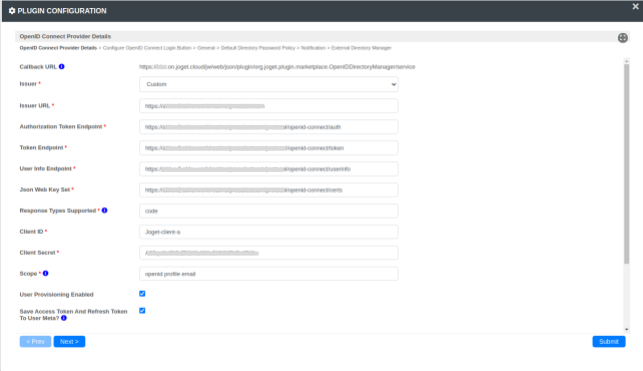
Configure Joget with the following details from the Akku OpenID metadata and the client secret key:
Issuer: Custom

Issuer URL: <Issuer URL from the Akku metadata>

Authorization Token Endpoint: <Authorization endpoint URL from the Akku metadata>

Token Endpoint: <Token endpoint URL from the Akku metadata>

User Info Endpoint: <userinfo_endpoint URL from the Akku metadata>

Json Web Key Set: <jwks_uri from the Akku metadata>

Response Types Supported: code

Client ID: <client Id from the Akku> (Should be unique)

Client Secret: <copy client secret from the joget app configure>

Scope: openid profile email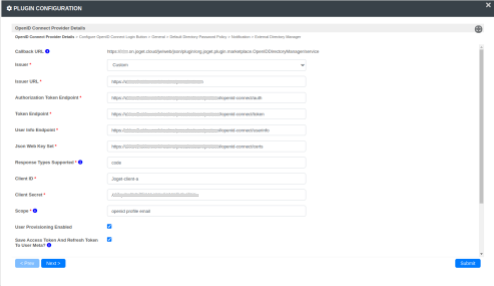
Test the Configuration
Once the configuration is complete, test the integration to ensure SSO works as expected
Open Incognito Browser
Open a private/incognito browser window to avoid cached sessions.
Access Joget Login Page
Access the Joget login page:
https://<your organization>.on.joget.cloud/jw/web/loginClick Login Button
Click the login button on the Joget page. This will redirect you to the Akku OpenID Connect login page.
Authenticate with Akku
Authenticate using your credentials on the Akku login page.
Verify Successful Login
If authentication is successful, you will be redirected back to the Joget application.
Conclusion
By following these steps, you have successfully integrated Joget with Akku using OpenID Connect for secure and scalable Single Sign-On (SSO). This setup allows users to seamlessly authenticate between Joget and Akku, enhancing security and streamlining user management processes.